
Free · no app store
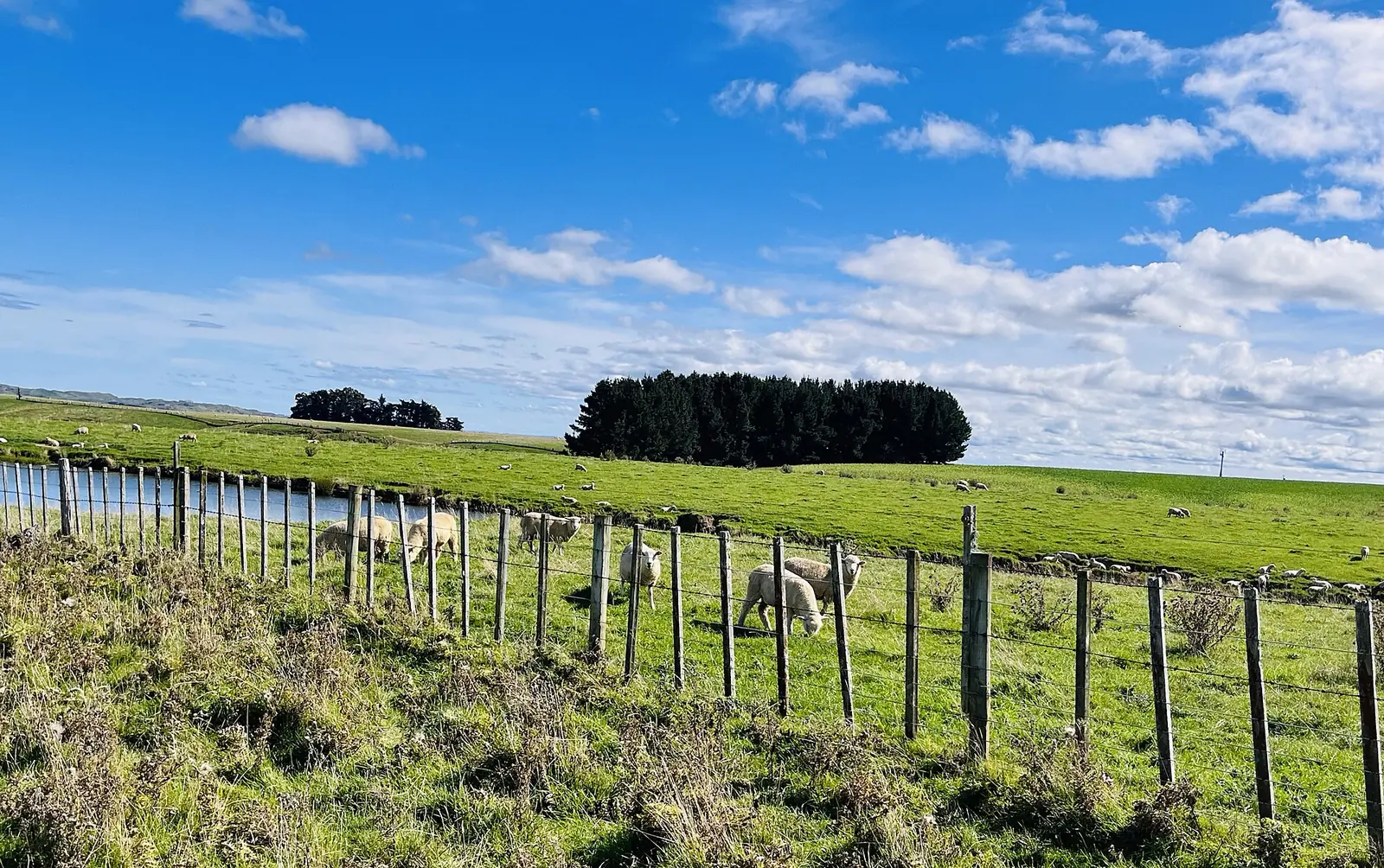
Hunterville, Rangitīkei · Photo: AnnWoolliams, CC BY-SA 4.0 REALM NZ on your phone
Add the site to your home screen like an app, and keep the farm tools and help numbers for places with no signal.
1. Add it to your home screen
It opens full screen from its own icon, like an app. It’s the same website, so it’s always up to date and there’s nothing to download from an app store.
You’re using REALM NZ as an app on this device.
Android phone or tablet
- Open this page in Chrome.
- Tap the ⋮ menu at the top right.
- Tap Add to Home screen (or Install app), then Install.
iPhone or iPad
- Open this page in Safari.
- Tap Share (the square with an arrow pointing up). On newer iPhones it can sit inside the ••• menu.
- Scroll down, tap Add to Home Screen, then Add.
Computer (Chrome or Edge)
- Look for the small install icon at the right-hand end of the address bar and click it.
- No icon? Open the browser menu and look for Install REALM NZ (Chrome: Cast, save, and share; Edge: Apps).
2. Keep the tools for no signal
Out of coverage in the woolshed or up the back? Save these pages on this device now, while you have signal. Any page below you’ve opened before is kept too.
Saving pages needs JavaScript and a recent browser. The farm help numbers are also printable.
- Farm help directoryEmergency, biosecurity, Rural Support Trust and 1737 numbers Status: Not saved
- Stock units calculatorSU, SU/ha and feed demand Status: Not saved
- Pasture cover and feed wedgeAverage cover and the wedge on the farm walk Status: Not saved
- Grazing rotation plannerHectares and paddocks to graze a day Status: Not saved
- Stock water calculatorLitres a day and how long the tank lasts Status: Not saved
- Milk price and income calculatorMilk income at any $/kgMS Status: Not saved
- Lambing percentage calculatorScanning, tailing and weaning counts Status: Not saved
- Feed budget calculatorTonnes and bales for the days ahead Status: Not saved
- Feed cost comparerCost per tonne DM and per MJ Status: Not saved
- Spray tank mix calculatorProduct per tank, in the paddock Status: Not saved
- Fertiliser nutrient calculatorkg N, P, K and S per hectare Status: Not saved
- Seeding rate calculatorkg/ha and bags to order Status: Not saved
- Fencing calculatorPosts, wire and rolls Status: Not saved
- Livestock sale value calculatorc/kg to dollars per head Status: Not saved
- Silo capacity calculatorTonnes in the silo now Status: Not saved
- Livestock due date calculatorCalving and lambing dates Status: Not saved
- Farm unit converterHectares, kg, rates and more Status: Not saved
- Public holidaysRosters over the holidays Status: Not saved
- Te reo Māori on the farmWords and practice cards Status: Not saved
- Farm words glossaryFarm and sale words A–Z Status: Not saved
Good to know
- Nothing personal is saved. Only the public tool pages are kept on your device. What you type into a tool stays on your phone and isn’t sent to us (the stock units “Save my farm” button keeps your tally in this browser only).
- Always the latest when you have signal. With a connection you always get the live page; the saved copy is only used when there’s no connection, and it’s refreshed each time you open the page online.
- Calling still needs mobile coverage. A saved page can show you the number; your phone still needs coverage to call it. In an emergency call 111.
- Easy to remove. Press and hold the icon and choose Remove (phones), or uninstall it from the browser’s apps page (computers). “Remove saved pages” above clears the saved copies.
The app is this website, so it follows our privacy policy. No app store, no tracking, no notifications. Something not working on your phone? Tell us which phone and browser.